Get started fast
Connect your wallet, get FOXSY, receive your first players, build a starting XI.
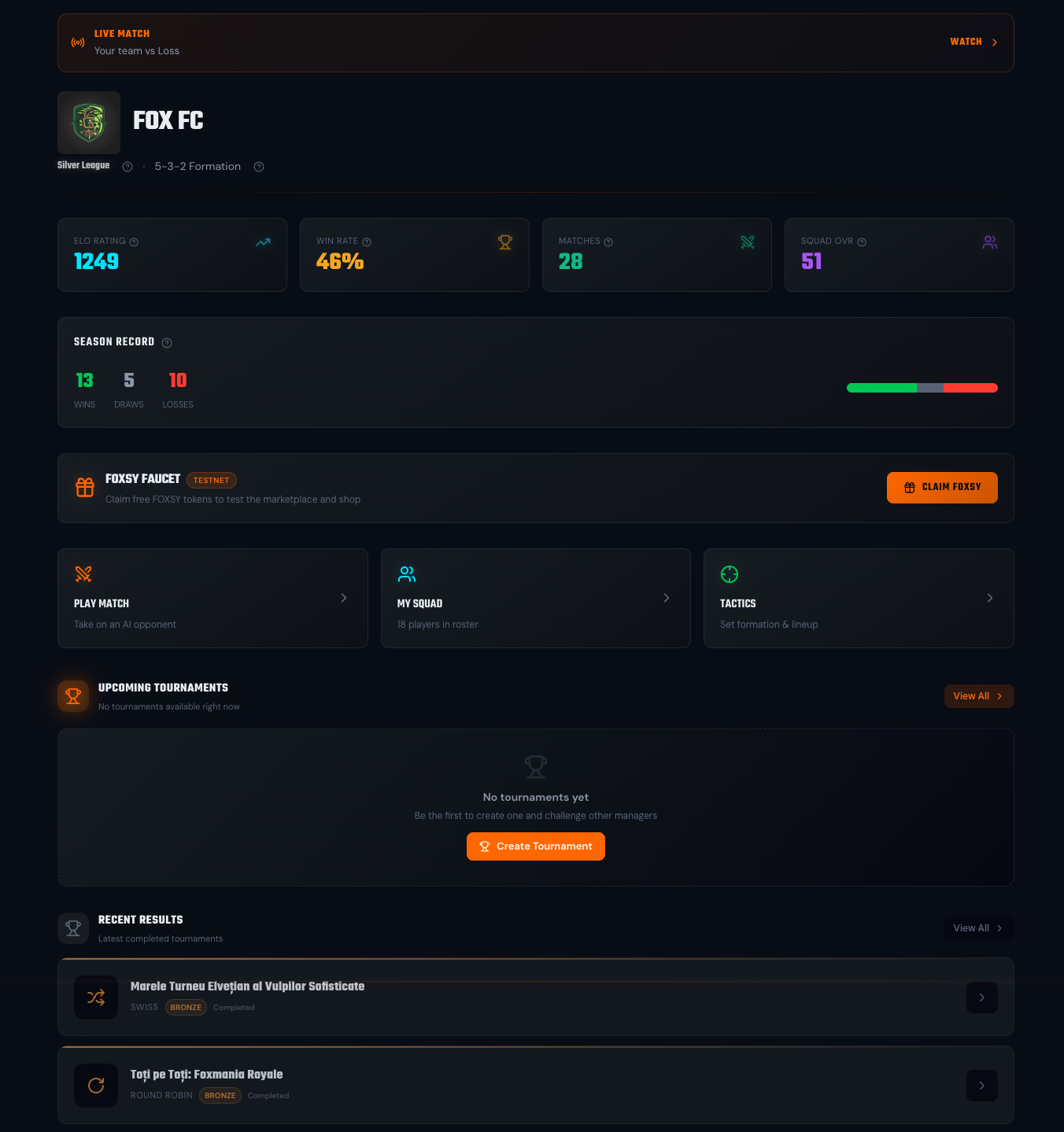
FoxLeague is an on-chain soccer manager. You own players as NFTs on the MultiversX blockchain. You train them, set tactics and your matches play out in roughly 10 minutes of full-pitch soccer. Goals, fouls, possession, per-player ratings and many more. Your wins climb the leaderboard. Your losses sting.
The whole game runs on the MultiversX mainnet. The one-time registration costs 5,000 FOXSY and you receive a starter squad of 18 players. The 5,000 FOXSY must already be in your wallet when you register. FOXSY is the in-game currency for everything (training, sync, marketplace, tournaments). Swap EGLD for it in the app or buy it on an exchange that lists FOXSY. Buying FOXSY by card or bank inside the app is coming soon.
Get started fast
Connect your wallet, get FOXSY, receive your first players, build a starting XI.
Understand the loop
Train → Sync → Play → Earn XP → Repeat. Why sync matters and how it keeps the game cheap.
Master the mechanics
Tactics, formations, fusion, marketplace, tournaments, leagues. Each gets its own page.
Look up anything
Glossary and FAQ for the terms and edge cases you’ll hit along the way.
Not synced? You play with last synced stats.
You train your players off-chain within a daily allowance (5 free sessions a day, up to 15 with paid Training Slots). XP rises, stats grow in your Squad view. But matches read from the on-chain version of your players. To use new training in matches, you sync (a small FOXSY payment, batched across players for efficiency).
Why? Writing every tiny stat bump straight to the chain would mean millions of expensive transactions. Sync is the gate that makes evolving your team affordable.
Six steps with screenshots, takes about a minute: Quick Start →.
Want the full walk-through instead? Open Get Started and step through Getting Started in the sidebar.