
Connect Your Wallet
FoxLeague runs on the MultiversX mainnet. You need a MultiversX wallet on mainnet to play. The one-time registration is paid in FOXSY and FoxLeague covers the network fee for it; everything else on chain is paid from your own EGLD, a small network fee per action, typically under 0.005 EGLD.
Supported wallets
Section titled “Supported wallets”| Wallet | Best for | Note |
|---|---|---|
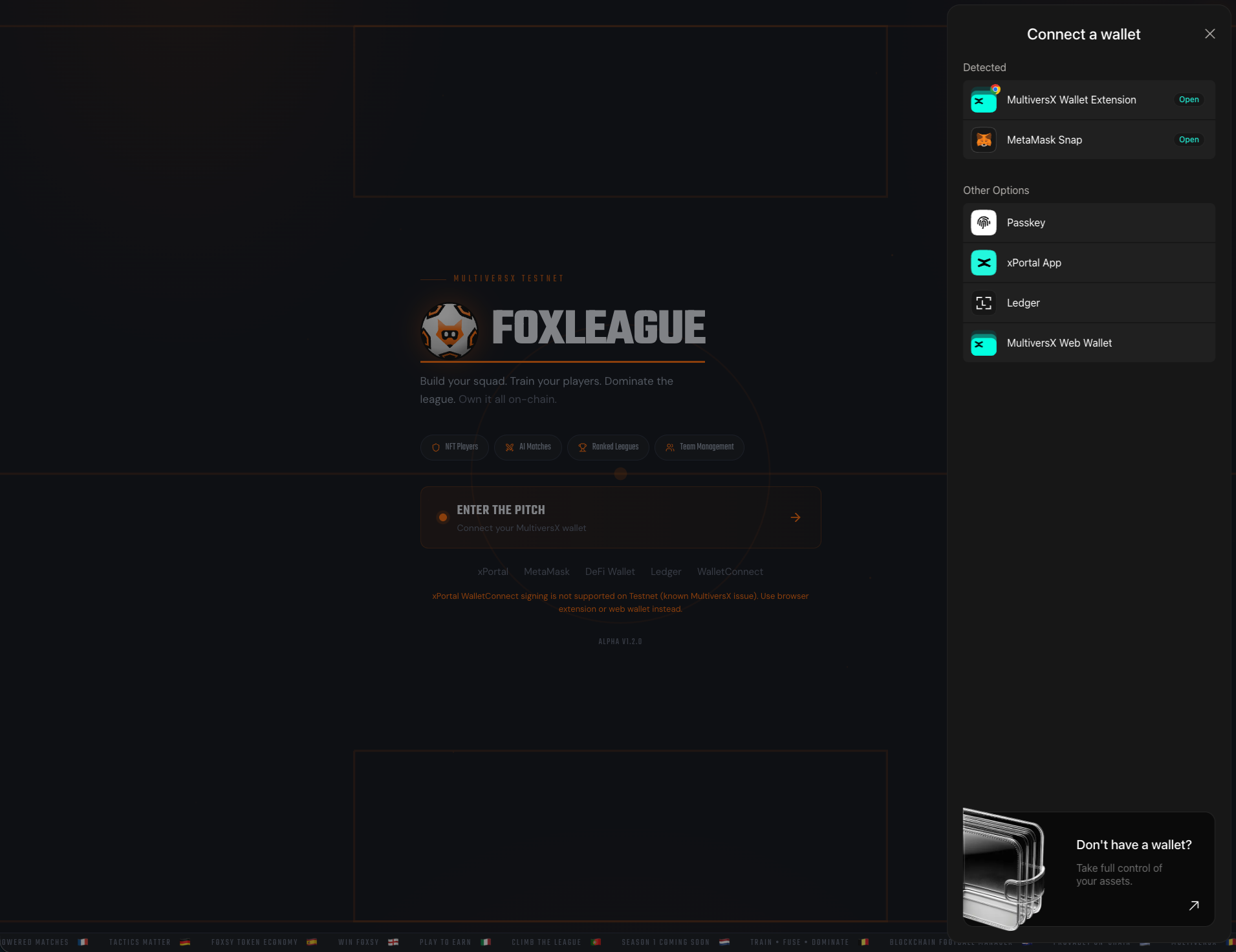
| xPortal App | Mobile users | The official MultiversX mobile wallet. Scan the QR code with xPortal. You can also open the FoxLeague login from inside the xPortal app browser. |
| MetaMask Snap | Crossover EVM users | Connect via the MultiversX snap. Familiar if you come from Ethereum. |
| MultiversX Wallet Extension | Browser extension | Chrome/Firefox extension, fast for repeated sessions. |
| Passkey | No seed phrase | Sign in with a passkey kept on your device. |
| MultiversX Web Wallet | Any browser | The MultiversX web wallet page, nothing to install. |
| Ledger | Hardware security | Physical device, slower but most secure. |
-
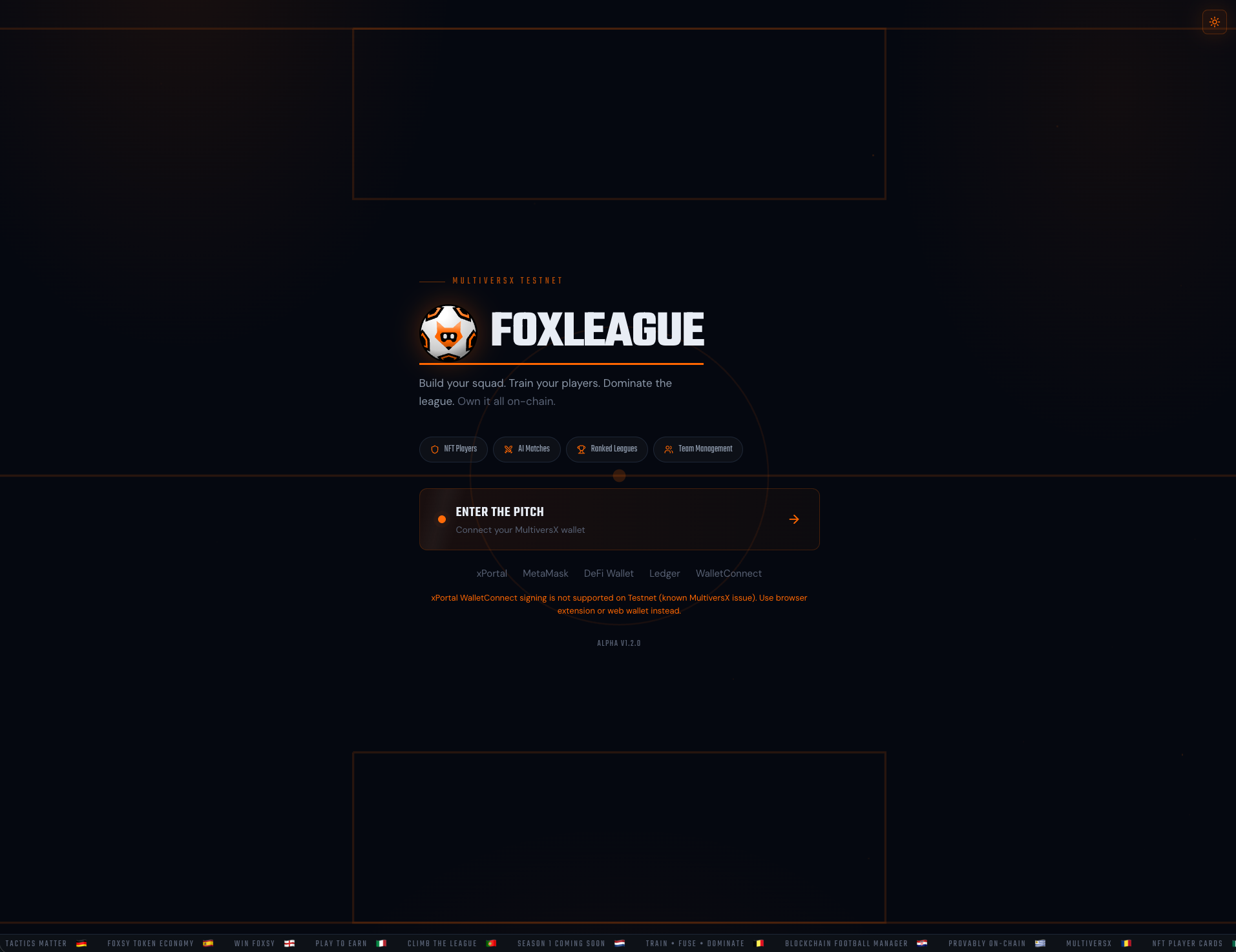
Go to foxleague.ai
-
Click ENTER THE PITCH
-
The wallet picker opens. Pick your provider:
-
Approve the connection request in your wallet
-
Sign the verification message. This proves you control the wallet but costs nothing
You’re in. The header shows your wallet address (truncated) and your in-game state.
A signed-in session lasts 24 hours. After that, your next action pops the wallet up to sign the verification message again (one popup, still free) and you carry on where you were.
When FoxLeague has news for every manager (a rule change, a correction), an announcement opens after you sign in for the days it runs. When it carries several messages, an orange bar on top reads Message 1 of 2. Got it closes it until your next sign-in or a new tab; Don’t show again closes it for good for this wallet in this browser.
Get FOXSY
Section titled “Get FOXSY”FOXSY is the in-game token. You need it to register, train, sync, trade and more. To register, your wallet must already hold 5,000 FOXSY. On mainnet you get it:
- In the app, with EGLD or WEGLD: before registration, Swap EGLD → FOXSY on the registration screen buys the FOXSY you are missing. After registration, the Dashboard card NEED MORE FOXSY? has a Swap EGLD → FOXSY button that buys any amount up to the most one swap may buy (the window names it). Both swap on xExchange in one transaction you sign; you pay a small network fee in EGLD
- Exchange: buy FOXSY on xExchange or on any exchange that lists it. Send it to the wallet you connected
- Card or bank: coming soon. On the Dashboard card NEED MORE FOXSY? the Card & bank button carries a SOON pill until it opens
No EGLD either? The swap window offers Buy EGLD with card or bank on Ramp Network, Copy my wallet address plus Get EGLD in xPortal.
The full walk-through, including the registration fee and where to get EGLD for your later network fees, is on Get Started.
When a payment signs nothing
Section titled “When a payment signs nothing”Before every transaction you sign in FoxLeague (a payment, a sync, an entry fee, a swap or the registration), the app reads your wallet’s transaction count and its pending transactions on the network. In these cases your wallet is not asked to sign and nothing is sent:
- “An earlier transaction from this wallet is still waiting on the network. Nothing was signed or sent now. It usually clears by itself within about 30 minutes; try again after that.” A transaction of your wallet waits on the network behind an earlier one that never arrived. Signing a new one would push the waiting one through, so the app signs nothing until the network has dropped it.
- “Your wallet’s pending transactions could not be checked on the network right now. Nothing was signed or sent. Try again in a moment.” The network did not answer the check.
- “An earlier transaction from this wallet is still being checked. Nothing was signed. Try again in a moment.” The network has not yet confirmed what became of an earlier transaction from this wallet (for example one whose answer was lost). Until it does, that transaction counts as sent, so one press never pays twice.
- “We could not read your wallet from the network. Nothing was sent. Try again in a moment.” The network did not answer when the app read your wallet.
The swap window is stricter: it sends nothing while any other transaction from your wallet is still on its way (see Get Started).
Trouble connecting?
Section titled “Trouble connecting?”- xPortal QR scan does nothing / freezes. Open the xPortal mobile app, tap the in-app browser, navigate to
foxleague.aiand log in from there. The xPortal native session works without a QR pairing. - xPortal App pairing or signing fails. Retry the pairing. If it keeps failing, use the Wallet Extension, MetaMask Snap, Ledger or xPortal-in-app instead.
- “Sign message” loops. Clear your browser’s site data for
foxleague.aiand reconnect. - Wrong network. Make sure your wallet is set to MultiversX mainnet.